LangChain + Ollama: Your Gateway to LLM Apps, Explained with Code
← Back to HomeNew to Ollama? Before diving in, make sure you’ve got it set up locally. Follow this guide first: How to Setup Ollama on Your Machine
LangChain is a powerful framework that simplifies the development of applications powered by large language models (LLMs). Whether you're building agents, chatbots, or assistants, LangChain gives you building blocks for development, monitoring, and deployment.
Why LangChain?
LangChain simplifies every stage of the LLM application lifecycle:
- Development: Build apps with open-source components, or create stateful agents using
LangGraph. - Productionization: Track and optimize performance with
LangSmith. - Deployment: Turn prototypes into APIs and assistants using the
LangGraph Platform.

Two Ways to Use the Ollama Model
LangChain supports Ollama models and there are two primary interfaces depending on your use case.
Option 1: Plain Completion
from langchain_community.llms import Ollama

llm = Ollama(model="gemma3")
response = llm("What is the capital of France?")
print(response)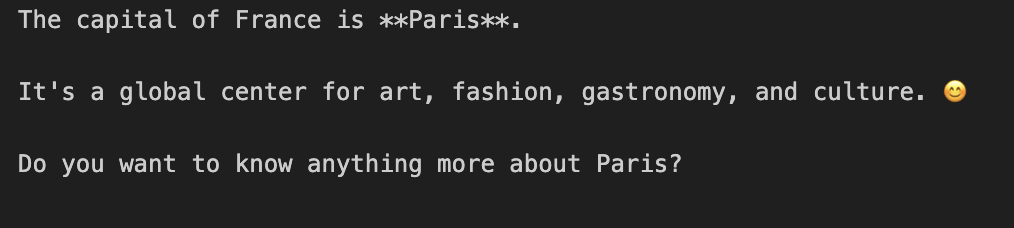
Option 2: Chat Interface
from langchain_community.chat_models import ChatOllama

model = ChatOllama(model="gemma3")
model.invoke("Hello, world!")
Ollama vs. ChatOllama What's the Difference?
| Feature / Use Case | Ollama (`langchain.llms`) |
ChatOllama (`langchain_community.chat_models`) |
|---|---|---|
| Input | Text string | Message objects (e.g., HumanMessage) |
| Output | Text completion | Chat message (.content) |
| Roles | Not supported | Supported (system, user, assistant) |
| Best For | One-shot prompts | Multi-turn chat, assistants |
| Integrations | PromptTemplate, LLMChain | ChatPromptTemplate, ChatChain |
Using Chat Messages
from langchain_community.chat_models import ChatOllama
from langchain_core.messages import HumanMessage, SystemMessage

model = ChatOllama(model="gemma3")

messages = [
    SystemMessage("Provide all the responses with a pun at the end"),
    HumanMessage("It is a wonderful day!!"),
]

model.invoke(messages)
You can also use streaming to output tokens:
for token in model.stream(messages):
    print(token.content, end="|")
Prompt Templates: The Real Superpower
Prompt templates modularize input to LLMs and come in two main forms:
String PromptTemplate
from langchain_core.prompts import PromptTemplate

prompt_template = PromptTemplate.from_template("Tell me a joke about {topic}")
prompt = prompt_template.invoke({"topic": "Newton"})
model.invoke(prompt)
ChatPromptTemplate
from langchain_core.prompts import ChatPromptTemplate

prompt_template = ChatPromptTemplate([
    ("system", "You are a comedian"),
    ("user", "Tell me a joke about {topic}")
])

prompt = prompt_template.invoke({"topic": "Newton"})
response = model.invoke(prompt)
print(response.content)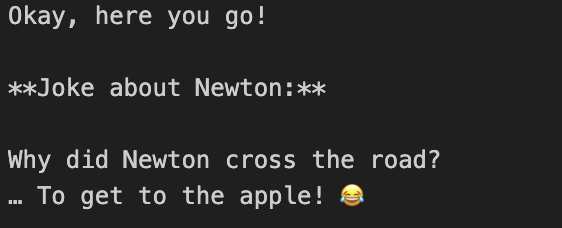
MessagesPlaceholder (Dynamic Insertion)
from langchain_core.prompts import ChatPromptTemplate, MessagesPlaceholder
from langchain_core.messages import HumanMessage

prompt_template = ChatPromptTemplate([
    ("system", "You are a helpful assistant"),
    MessagesPlaceholder("msgs")
])

prompt = prompt_template.invoke({
    "msgs": [
        HumanMessage("hi!"),
        HumanMessage("Tell Me a Joke about Newton"),
        HumanMessage("Tell Me a Joke about Tesla")
    ]
})

response = model.invoke(prompt)
print(response.content)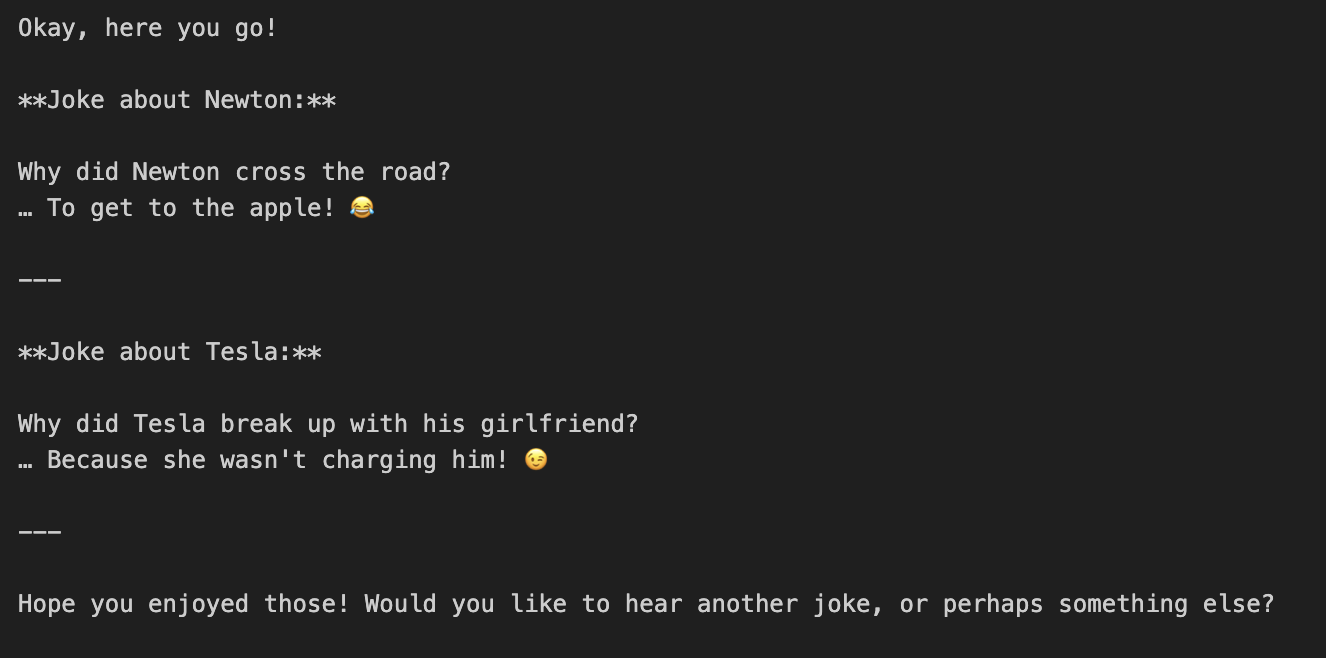
Final Thoughts
LangChain isn’t just another Python wrapper it's a modular, scalable toolkit for building full-fledged LLM-powered applications. With Ollama support, you can even run models locally. Whether you’re exploring prompt templates or building conversational agents, LangChain makes the process simple and production-ready.